Create Pixel-Perfect Record Style Text Effects
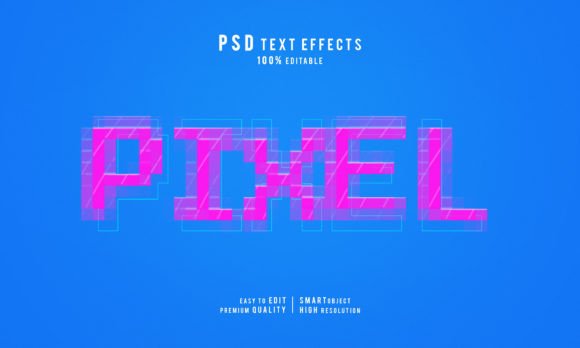
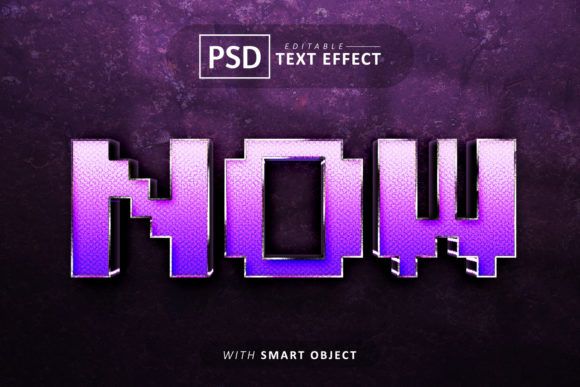
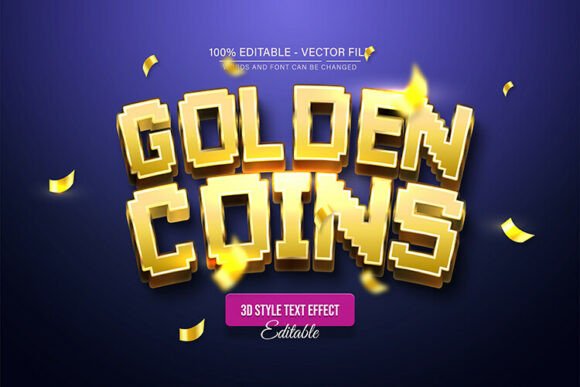
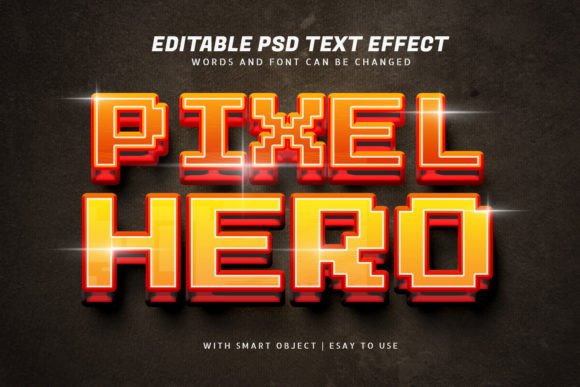
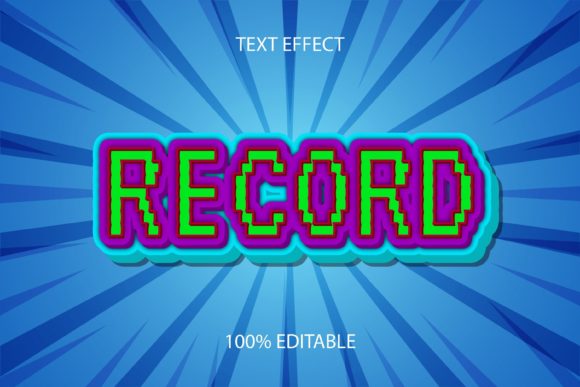
Imagine giving your typography that unmistakable, classic feel of a vintage record label. The Record Style Pixel Editable Text Effect offers a unique way to add instant character and retro charm to your designs. This isn't just a static image; it's a fully editable vector graphic that lets you transform any text or shape into a pixel-style masterpiece reminiscent of old-school album covers and music posters.
At its core, this design asset is a powerful graphic style for Adobe Illustrator. It works seamlessly with any font or shape you choose, applying a carefully crafted pixel effect that mimics the look of classic record sleeves. The best part? Every single element is editable. You can adjust the colors, modify the shapes, and scale the design to any size without losing quality, thanks to its 100% vector EPS format. This flexibility makes it an invaluable tool for designers who value both aesthetics and control.
Where This Text Effect Truly Shines
The retro, textured appeal of this style makes it perfect for a wide range of creative projects. It’s an excellent choice for adding a vintage vibe to modern designs.
- Brand Identity & Logo Design: Create a distinctive logo for a music blog, a retro-themed café, or a vinyl record store. The pixel texture adds a layer of authenticity and nostalgia.
- Poster & Packaging Design: Design eye-catching event posters, album artwork, or product packaging that needs a touch of analog warmth and handmade charm.
- Social Media & Web Graphics: Stand out in a digital feed with profile banners, post templates, or website headers that have a unique, textured look. It’s perfect for announcements, quotes, or promotional graphics.
- Merchandise & Invitations: Apply the effect to T-shirt designs, tote bags, or vintage-style wedding and event invitations for a personalized, artistic touch.
Tips for Choosing and Using Your Font
While the Record Style effect is incredibly versatile, pairing it with the right typeface is key to achieving a polished result. Consider the mood of your project. A bold, geometric sans-serif font will emphasize the modern-retro contrast, while a classic serif font can enhance the vintage feel. Always test the effect with your chosen font to ensure the pixel details remain clear and readable at your intended display size.
Think about the overall visual consistency of your project. This effect works best as a focal point. Use it for headlines or key phrases and balance it with simpler, cleaner body text to maintain hierarchy and legibility. The goal is to create a professional presentation where the textured typography enhances your message without overwhelming it.
This resource is designed for immediate use. Once downloaded, you can quickly apply the style from your Graphic Style panel in Illustrator, saving you valuable time. It’s a premium font effect that elevates your work, making it look more considered and professionally crafted. Whether you're working on a client project or personal artwork, having such a creative font effect in your toolkit empowers you to produce standout designs with a distinct personality.
Choosing the right design assets is about finding tools that offer both beauty and function. A well-designed text effect like this one provides the visual appeal of a custom-created piece with the convenience and editability of a professional template. It’s an investment in your creative process that pays off in more dynamic, engaging, and memorable typography.