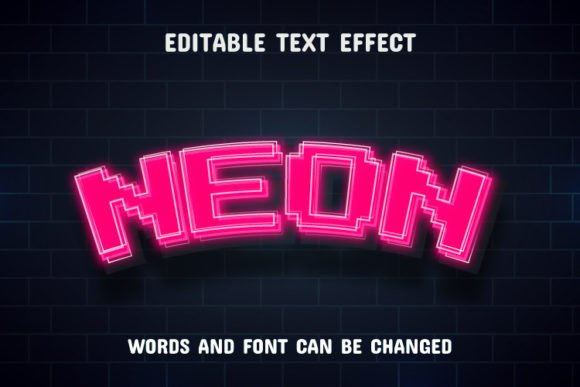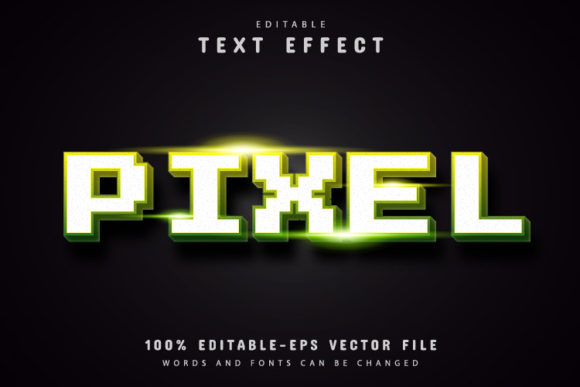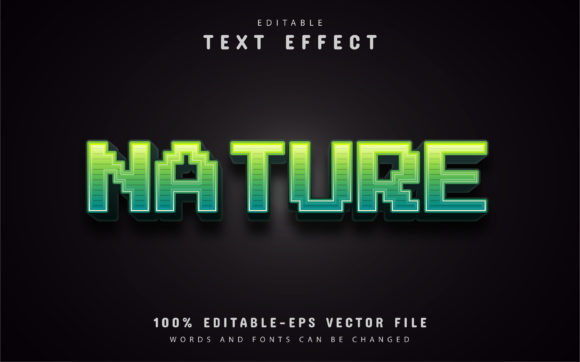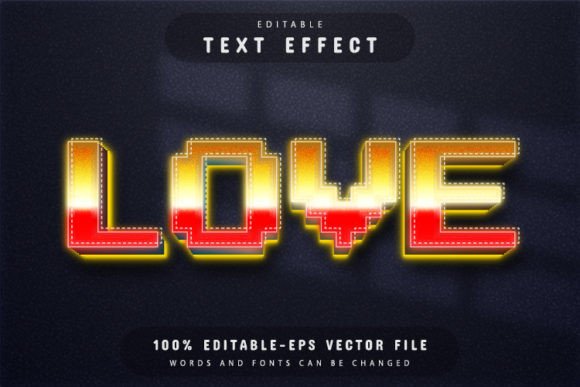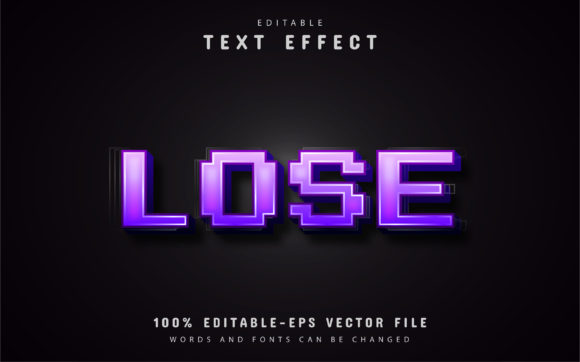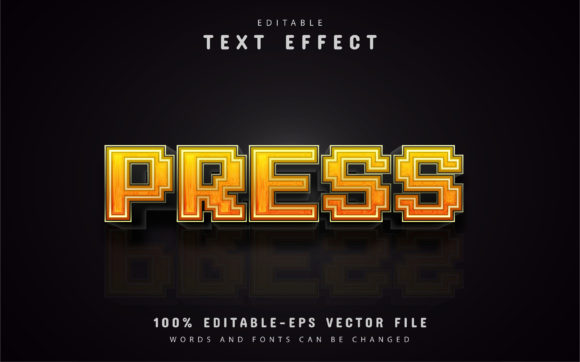
Editable Press Pixel Text Effect: Your Design Solution
Imagine transforming your typography into a striking, retro-inspired visual with a single click, without losing an ounce of quality. That’s the creative power of the Press Pixel Text Effect Editable design asset, a versatile tool that blends nostalgic pixel aesthetics with modern vector precision. This is a fully editable vector design, meaning you can enlarge or reduce the size you want in Adobe Illustrator, and the quality has never decreased. It’s built for designers who value both impact and flexibility.
What Makes This Text Effect a Standout Design Asset?
At its core, this asset provides a premium font treatment that instantly gives text a textured, pixelated character. It’s not just a static image; it’s a dynamic template. The key features that make it so useful are its complete editability and professional file formats. You receive the design in both EPS and JPG formats, ensuring compatibility with most design software while offering the superior control of a vector file. The text is fully editable, allowing you to type your own message and watch it adopt the effect seamlessly.
Perhaps most importantly for brand-centric projects, it offers unlimited color variations. By editing the vector paths in Adobe Illustrator, you can match the effect to any brand palette, making it a genuinely versatile component of your design toolkit. The process is designed to be straightforward, requiring no advanced skill. To change the text, you simply open the file in Adobe Illustrator CS or higher, press “T” on your keyboard, click the text, and type your new content. It’s that simple to integrate into your workflow.
Practical Uses for Your Creative Projects
The true value of a creative font like this lies in its application. Where does a bold, pixel-text effect shine? Its unique character makes it ideal for projects that need to grab attention and convey a specific mood.
- Logo Design & Brand Identity: Use it to create memorable wordmarks or logos for tech startups, gaming channels, retro-themed brands, or any company wanting a distinctive, modern typography edge. It helps establish strong brand recognition from the first glance.
- Poster & Editorial Design: The effect is perfect for headlines in posters, magazine layouts, or album covers. It adds instant visual hierarchy and a point of interest that draws readers into the content.
- Social Media Graphics & Web Design: Create scroll-stopping visuals for Instagram, YouTube thumbnails, or website hero sections. The textured appearance ensures your text stands out even on busy backgrounds.
- Packaging & Merchandise: For product labels, t-shirt designs, or sticker packs, this effect adds a tactile, crafted quality that elevates the perceived value of the merchandise.
Tips for Choosing and Using the Press Pixel Effect
When integrating any new typeface or text effect into your project, a few practical considerations ensure the best results. First, always test for readability, especially at smaller sizes. The pixel aesthetic is bold, so ensure your core message remains clear. Second, consider the mood. This effect pairs exceptionally well with other sans serif fonts for a clean, tech-inspired look, or with a contrasting script font for dynamic visual interest in font pairing.
Review the included download content, which typically consists of the JPG preview files, the master EPS file for editing, and information on the free fonts used. Always double-check that the license for the commercial font suits your intended use, whether for a single client project or broader distribution. A well-chosen asset like this does more than just look good; it improves visual consistency across all your materials, reinforcing a professional and polished presentation that clients and audiences notice.
Choosing the right design assets is about finding tools that expand your creative possibilities while saving time. A thoughtfully crafted resource that offers full control over color, scale, and text empowers you to execute your vision precisely. It’s the difference between using a generic element and implementing a unique design solution that feels tailored to your project’s specific needs.