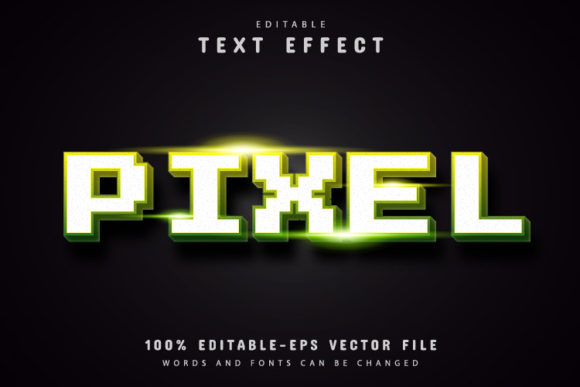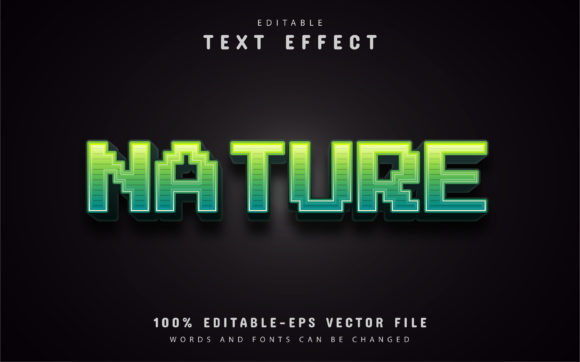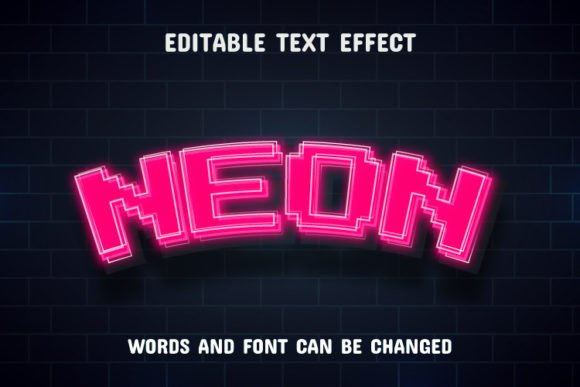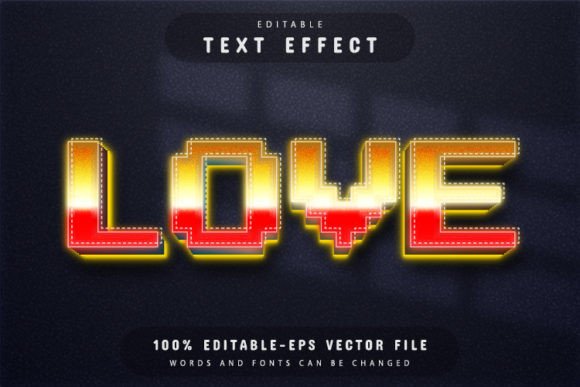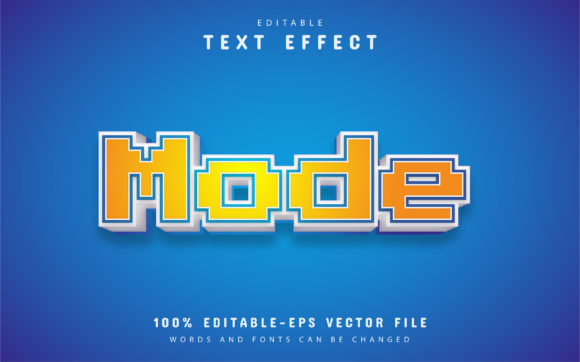
Mode Text: Pixel Style Text Effect for Modern Design
Discover the creative potential of Mode Text, a pixel style text effect designed to bring a retro-digital aesthetic to your projects. This fully editable vector design offers the perfect blend of nostalgic charm and modern flexibility, making it an excellent choice for designers seeking a distinctive visual voice. Whether you're crafting a brand identity, designing social media graphics, or developing eye-catching poster layouts, this effect provides a polished, professional foundation.
What Makes This Pixel Style Text Effect Stand Out?
Mode Text is more than just a font; it's a versatile design asset. Presented in both EPS and JPG formats, it is 100% editable vector artwork. This means you can enlarge or reduce the size in Adobe Illustrator without any loss of quality—a crucial feature for projects that require scalability, from small web icons to large-format prints. The text is fully editable, allowing you to customize words, phrases, and headlines to fit your exact needs. With unlimited color variations available through simple editing in Illustrator, you can tailor the effect to match any brand palette or creative concept.
The practical applications for a pixel style text effect are wide-ranging. It excels in projects that aim for a tech-inspired, retro gaming, or minimalist digital vibe. Consider using it for:
- Logo Design & Branding: Create a memorable logo or brand mark that stands out with a unique typographic treatment.
- Poster & Editorial Design: Add a striking headline to posters, magazine layouts, or book covers.
- Packaging & Merchandise: Design labels, apparel graphics, or product packaging that catches the eye.
- Digital & Web Design: Enhance website headers, app interfaces, or digital advertisements.
- Social Media Content: Develop scroll-stopping graphics for Instagram, YouTube thumbnails, or promotional banners.
Tips for Choosing and Using a Creative Font
When integrating a new typeface or effect like Mode Text into your workflow, a few practical considerations can elevate your results. First, always test readability at the intended size, especially for body text or detailed information. While pixel styles are fantastic for display purposes, ensure your message remains clear. Second, match the mood of the font to your project's theme. The retro-digital feel of a pixel style pairs well with modern, tech, or nostalgic themes but might not suit a formal, traditional context.
Font pairing is another key skill. Combining Mode Text with a clean sans-serif font for body copy can create a balanced and professional hierarchy. Review all the styles and weights included in the download to explore the full range of creative possibilities. Finally, always verify that the font license aligns with your project's scope, whether it's for personal use, commercial client work, or digital product sales.
The right typographic choice does more than just display words; it builds visual consistency, reinforces brand recognition, and communicates professionalism. A well-designed asset like this pixel style text effect provides a ready-made solution to add character and polish to your designs. By leveraging its editable vector nature and exploring its versatile applications, you can efficiently create visuals that resonate with your audience and stand out in a crowded landscape. Investing in quality design assets is an investment in the clarity and impact of your creative work.