Pixel Perfect Medical Icons for Modern UI Design
Every detail matters in healthcare interface design, where clarity and trust are paramount. A well-crafted set of icons can instantly communicate complex medical concepts while maintaining a clean, professional aesthetic. The Medicine Pixel Perfect Svg Ui Icons Set delivers exactly this balance, offering designers a comprehensive toolkit for creating visually consistent and accessible healthcare applications.
Why Pixel Perfection Matters in Medical Design
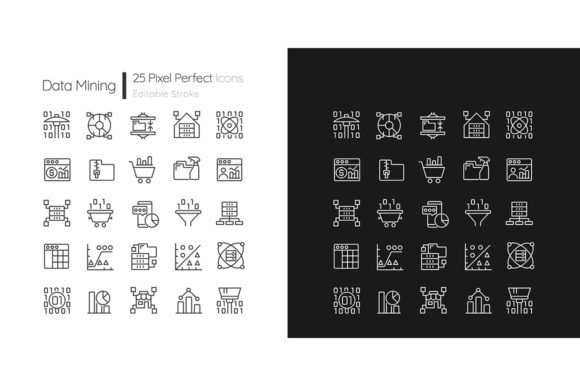
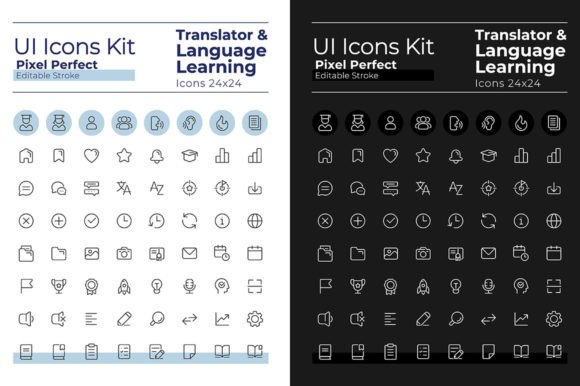
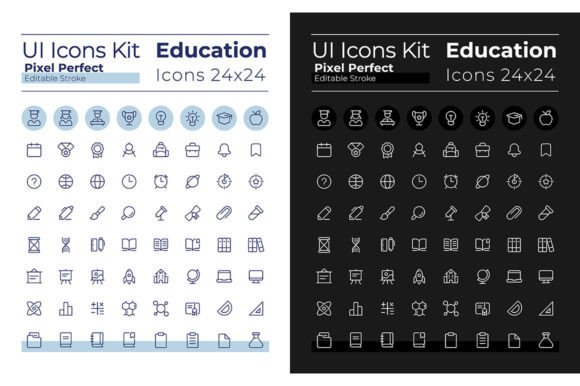
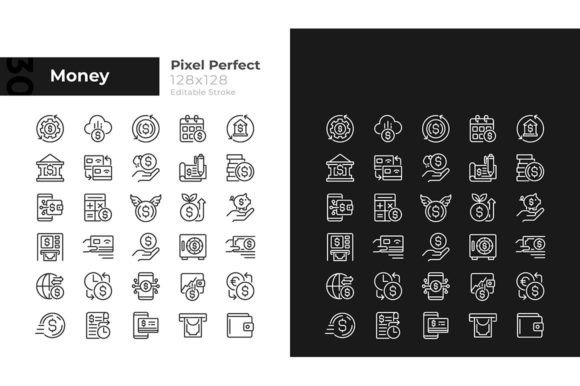
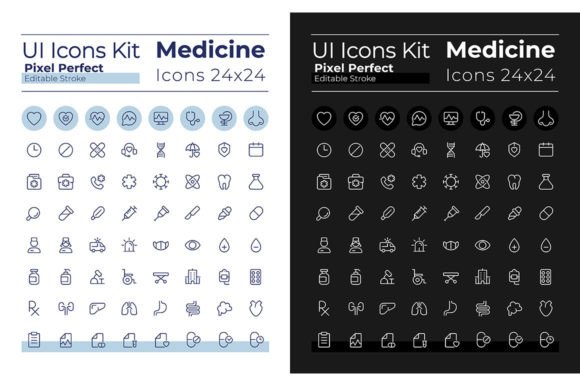
When designing for healthcare contexts, visual precision isn't just about aesthetics—it's about safety and usability. Pixel-perfect icons ensure that critical medical symbols remain crisp and recognizable across all screen sizes and resolutions. This particular set includes 64 dark mode linear icons and 64 light mode linear icons, giving you complete flexibility to adapt your designs to different viewing environments.
The thoughtful inclusion of editable stroke weights allows for subtle customization without compromising the icons' inherent clarity. Whether you're designing a patient portal, a medical education platform, or a wellness application, these icons maintain their professional integrity at any scale.
Practical Applications for Healthcare Projects
This icon set proves invaluable across numerous medical and wellness design scenarios:
- Digital Health Applications: Create intuitive navigation for patient portals, symptom trackers, or telemedicine platforms where clear visual communication reduces user confusion.
- Medical Publications: Enhance educational materials, research papers, or health brochures with icons that complement your typography without overwhelming the content.
- Clinic Branding Systems: Develop cohesive visual identities for medical practices, pharmacies, or wellness centers that require consistent iconography across signage, stationery, and digital presence.
- Healthcare Marketing: Design compelling social media graphics, email campaigns, or presentation decks that communicate medical concepts quickly and professionally.
Design Flexibility and File Compatibility
The set's inclusion of multiple file formats—EPS, SVG, PNG, JPEG, and AI—ensures seamless integration with your existing design workflow. Whether you're working in Adobe Illustrator, Figma, Sketch, or other vector editing software, you'll find a format that fits your preferred tools.
The carefully curated font pairing with Montserrat Bold and Light weights provides excellent typographic harmony. This sans-serif typeface offers modern readability that complements the clean geometric forms of the icons, creating a unified visual language across your interface elements.
Implementing Dark and Light Mode Considerations
With separate icon sets for night and day themes, this collection acknowledges the importance of accessibility in modern interface design. Dark mode icons feature lighter strokes that maintain visibility against dark backgrounds, while light mode versions use darker weights for optimal contrast on lighter interfaces.
This thoughtful approach to theme adaptation demonstrates how the right design assets can significantly reduce your development time while ensuring your medical application meets contemporary accessibility standards.
Choosing the Right Visual Language for Medical Projects
When selecting icons for healthcare applications, consider how they'll interact with your overall design system. Test how the icons perform alongside your chosen color palette, typography scale, and spacing grid. The clean, linear style of this particular set works exceptionally well with minimalist layouts that prioritize information hierarchy and user focus.
Remember that in medical contexts, iconography should support comprehension rather than decorate. These icons strike that balance beautifully—recognizable enough for quick scanning, yet sophisticated enough for professional medical environments.
Investing in quality design assets like this icon set ultimately enhances how users perceive and interact with your healthcare products. The right visual toolkit doesn't just make interfaces look better—it builds trust, improves usability, and communicates professionalism in an industry where these qualities matter most.